01
Photograph
Use the camera, import an image or open a PDF invoice.
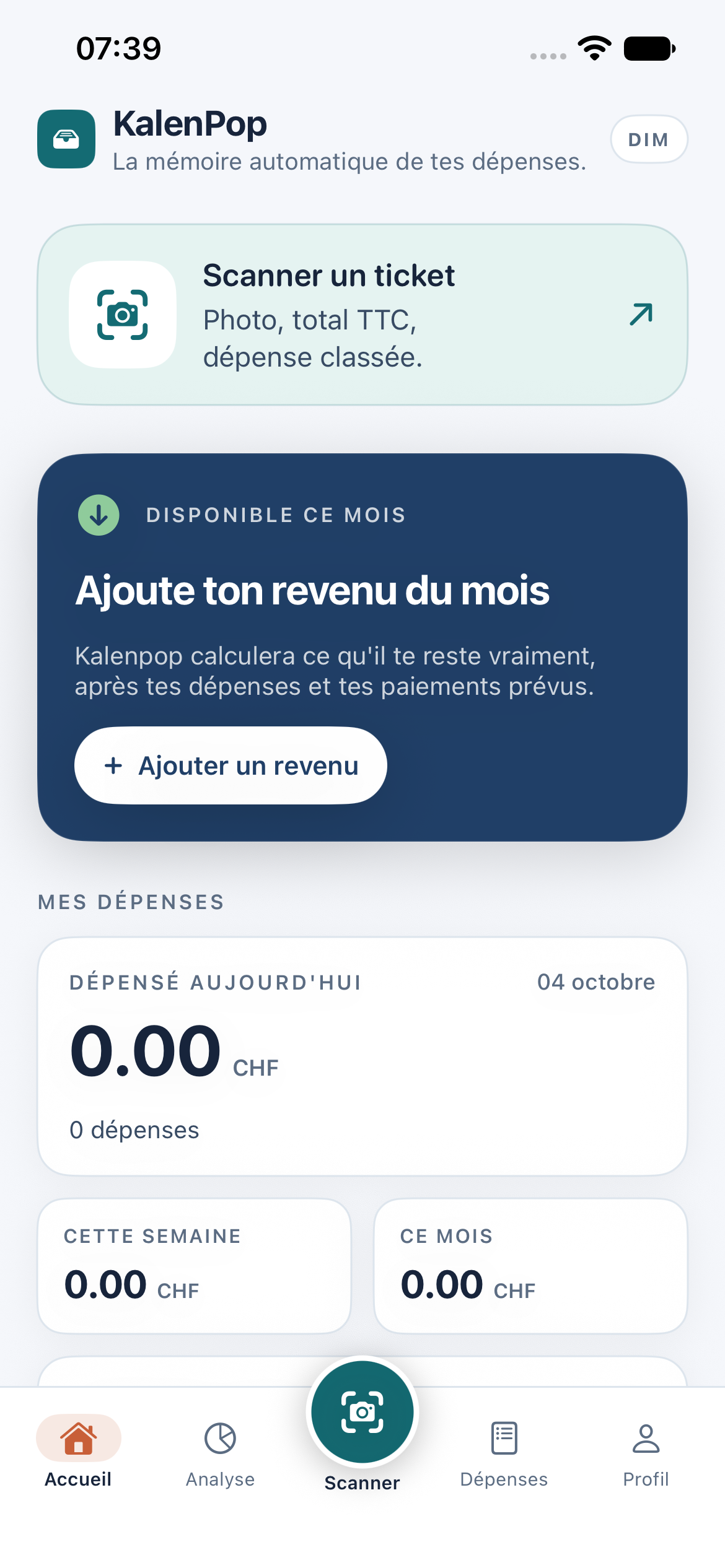
Capture your receipt. KalenPop reads the total, sorts the expense and keeps the document on your iPhone.
The iOS version is being tested on TestFlight before its App Store release.
How it works
Three simple steps. Less typing, more clarity.
Use the camera, import an image or open a PDF invoice.
The amount and currency are recognised. If the total is unclear, you choose the right amount.
Your expense is sorted, the receipt stays attached and your totals are updated.
Simple, every day
KalenPop looks for the final amount instead of choosing the biggest number. Unclear receipts stay yours to check.
See your expenses, income, upcoming payments and budgets together.
Keep personal and work expenses separate, then export a CSV file or a monthly report.
Privacy
Document recognition runs on your iPhone. KalenPop does not send your receipts to an external AI service.
Read our privacy policy →FAQ
Scanning and local records work on your iPhone. Internet is needed for subscriptions and refreshing exchange rates. A missing rate is shown rather than silently guessed.
Open the expense to correct it. When the receipt contains competing totals or the amount is not clear enough, KalenPop asks you to confirm before filing.
Receipts are kept in the app’s private storage, linked to the expense. They do not appear automatically in your photo library.
Full access uses an Apple subscription. The exact price and any eligible trial are displayed in the app before you confirm. TestFlight purchases use Apple’s test environment.
Find practical answers about scanning, restoring purchases and keeping your data.